A full example
Every morning each support owner gets a short report on their escalations: what is new, what is stuck, and what looks worrying. Nobody writes it. Agents do.
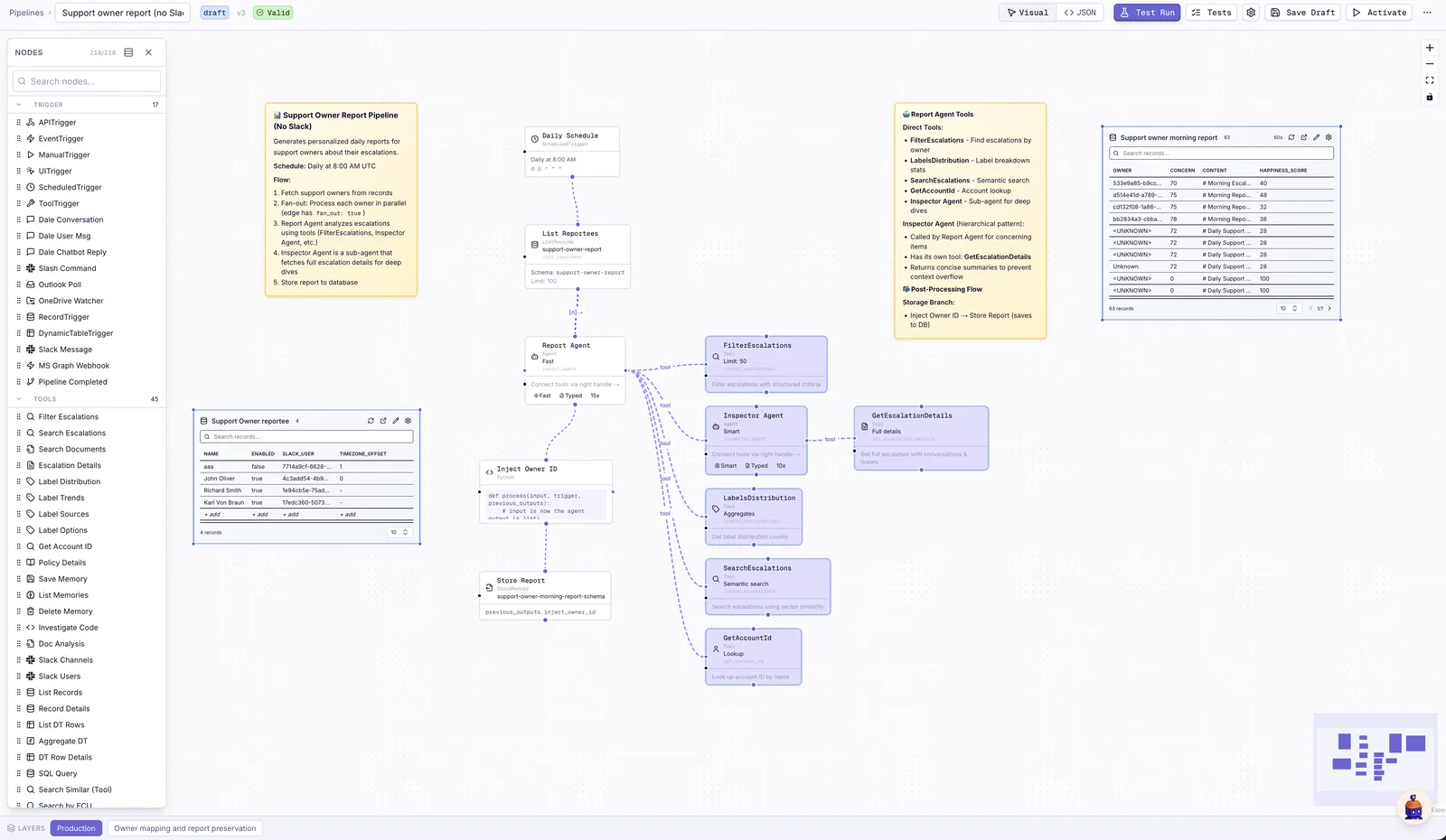
How it fits together:
- At 8:00 the pipeline starts and splits into one branch per support owner, all running at once.
- In each branch a report agent looks through that owner's escalations with a few tools: filter by owner, see how labels are distributed, search similar cases, look up the account.
- When a case looks concerning, it calls an inspector agent that reads the full history of that case and reports back in a few lines, so the report agent stays focused.
- The finished report is saved to a table and shown to the team.
The notes on the canvas are part of the pipeline, so whoever opens it next, a person or Chip, knows why it is built this way.
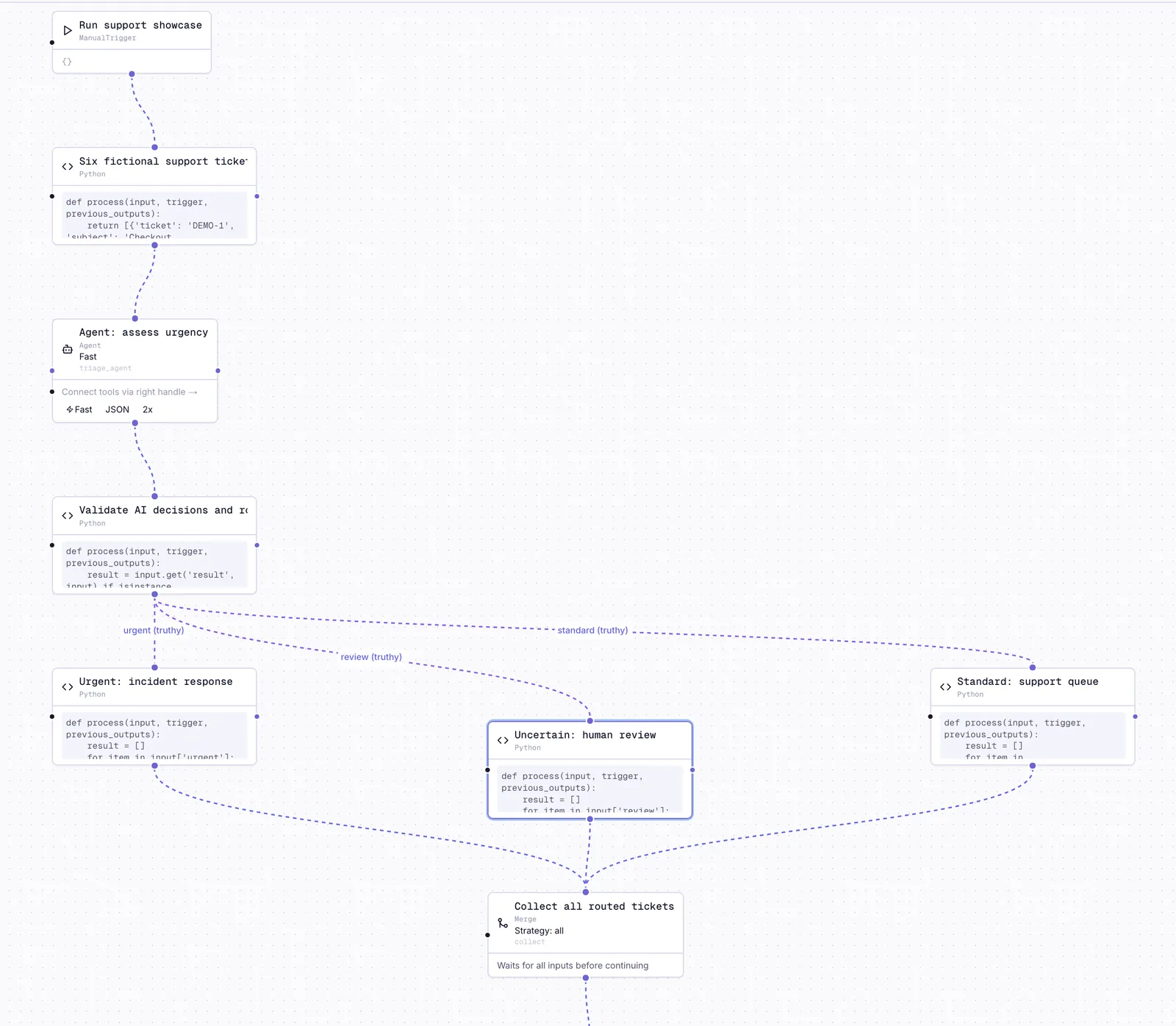
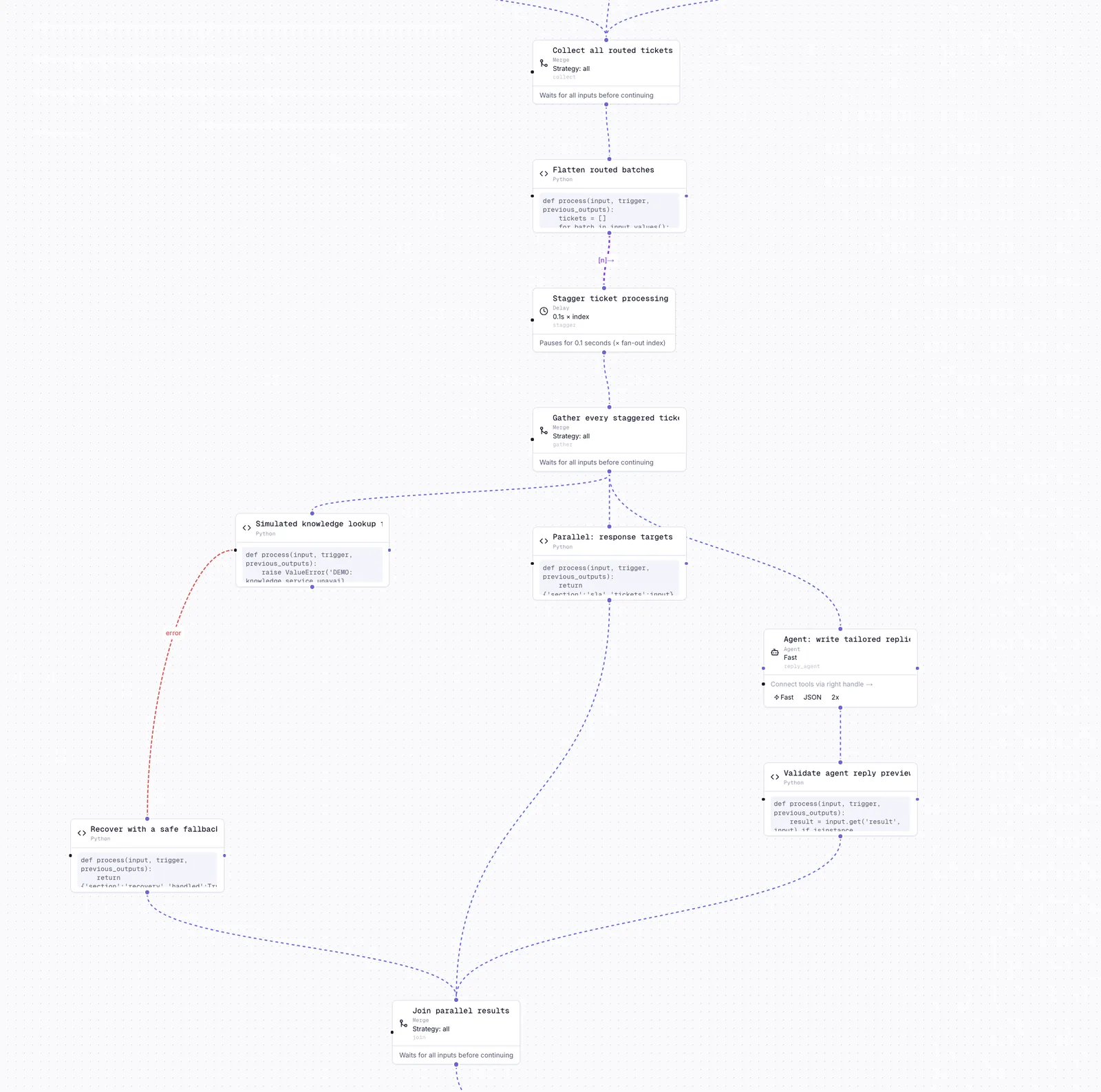
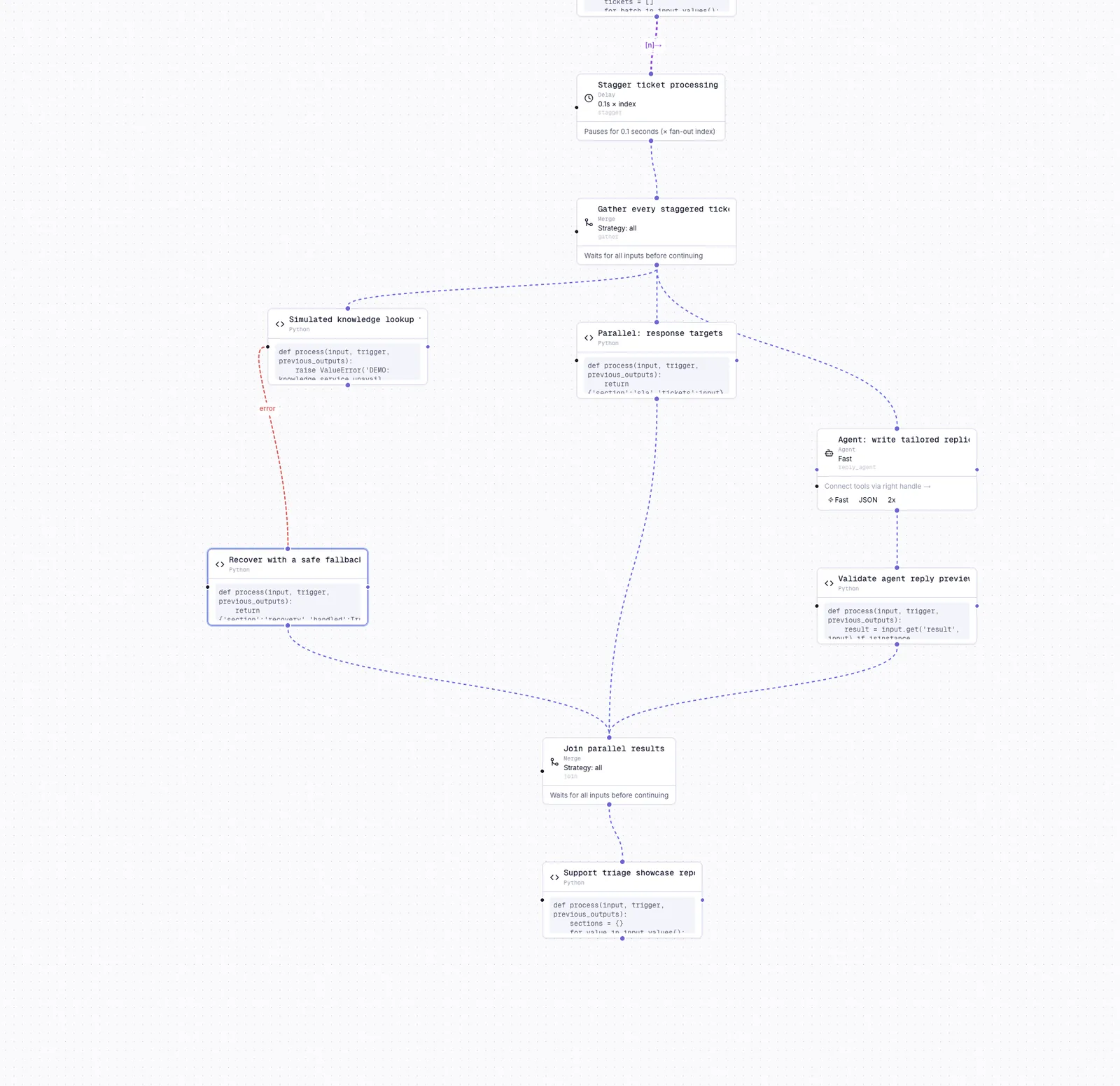
And a run of it, where every step's input and output can be inspected:
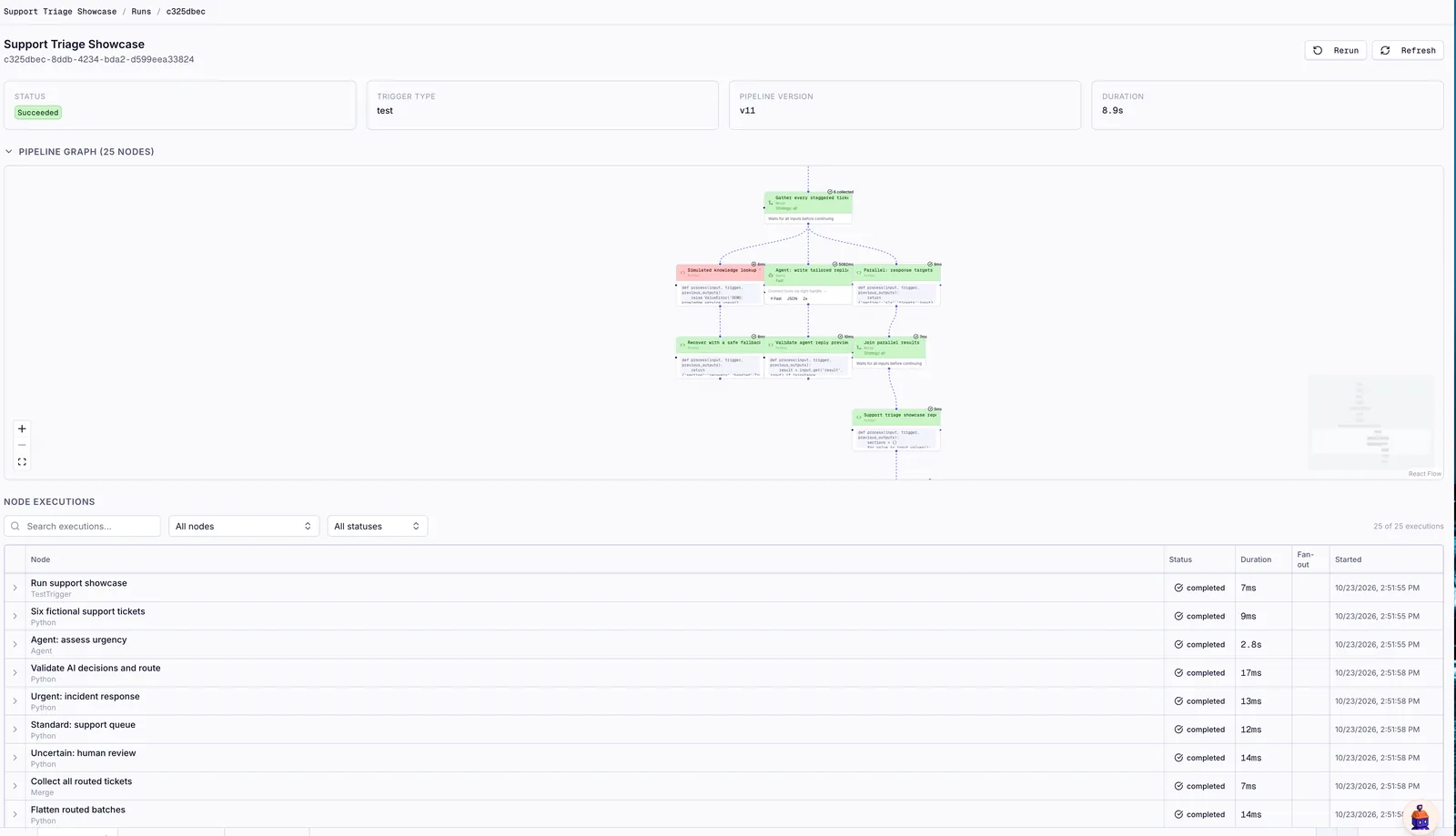
It also has tests: a pretend list of owners goes in, nothing is saved for real, and a check looks at what the agent wrote. That is the test shown on the tests page.