Dynamic pipelines
Every customer wanted something slightly different. When I joined, that meant one shared pipeline, customised by hand for each customer, where changing a prompt for one could break another. I built dynamic pipelines so that each customer, and later an AI, can assemble exactly the workflow they need, and change it safely.
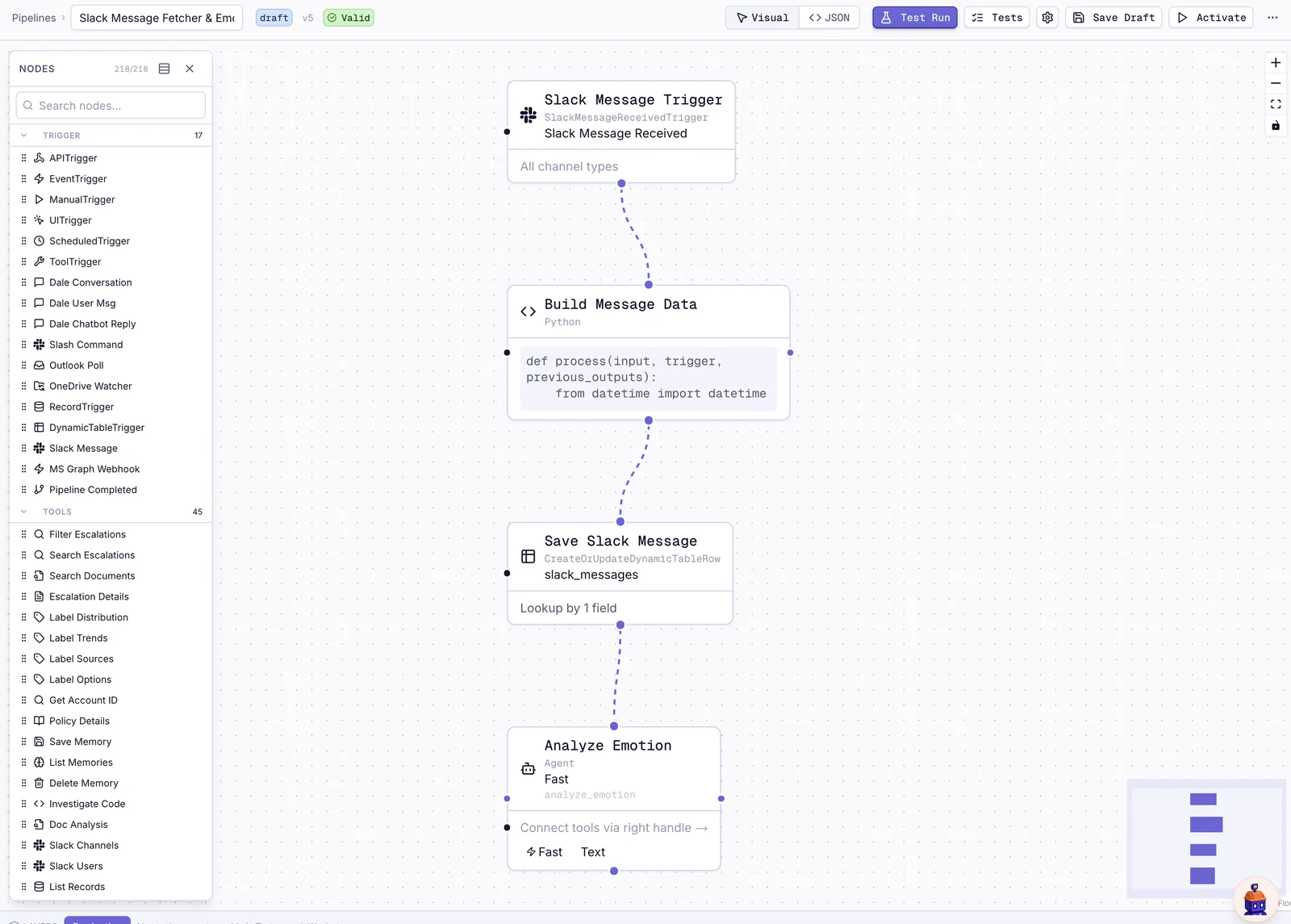
Code where you need certainty, AI where you need judgement
The point of a pipeline is to put each kind of work where it belongs. Counting, filtering and moving data is plain Python that always gives the same answer. Reading a frustrated customer's message or writing a summary is a job for a model. On the canvas they sit side by side:
- LLM label – sorts something into categories you define, and the pipeline branches on the answer, for example sending angry customers down a different path.
- LLM text – writes or summarises, and can return structured data the next step can use.
- Python – for anything that should never be left to a model.
- Agent – an AI with tools, for the open-ended work; see agents.
- Coding agent – Claude Code or Codex in a sandbox; see sandboxed coding agents.
There are around 210 building blocks in total, from Slack and Jira actions to table reads and writes.
Things it can react to
A pipeline can start on a schedule, when a ticket changes, when a Slack message arrives, when someone presses a button in the app, when another pipeline finishes, or when an agent decides to call it. It can split a list and work on every item in parallel, then bring the results back together. Every change is versioned, so you can always see what ran and roll back.
Pipelines that build pipelines
Because a pipeline is one JSON document, an AI can read and write it just as well as a person can. I built a chatbot that creates and edits pipelines on request and test-runs them as it goes. That was the first step towards Chip, which now does this for whole workspaces.